Equipment and yards · November 10, 2026 · 6 min read
Portable Message Board Rental: What to Track Between Jobs
What to record on a portable changeable message sign when it comes back from one rental and before it goes out on the next: location, power, display and controller, the message left on it, the trailer, damage and maintenance, plus how weekly and monthly rental billing fits.
By The Key Bot
In this article+
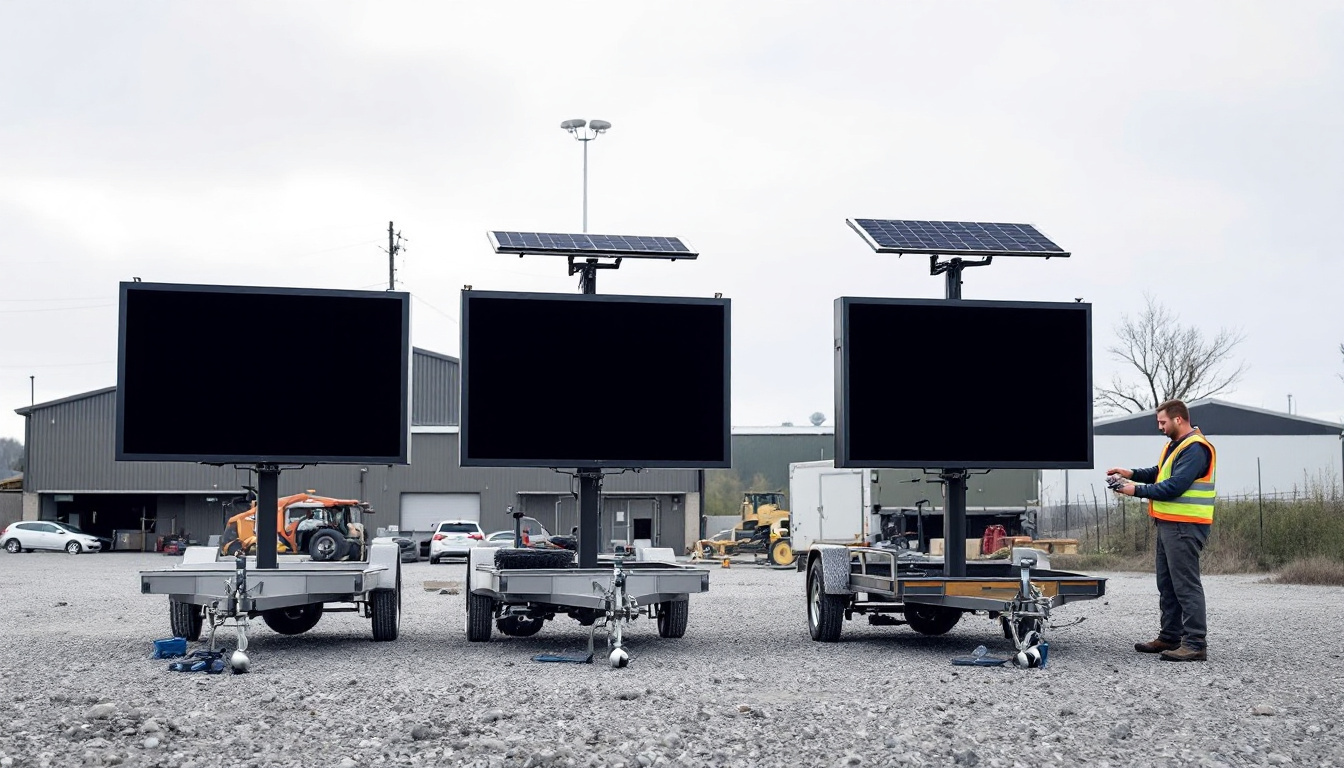
A portable message board earns money only while it is out on a job. The days between rentals decide whether it goes back out the next morning or turns into a service call at 2 a.m. on the shoulder. A board that comes back with a weak battery, a scratched panel and last week's message still programmed looks ready in the yard. It is not.
This post is about that gap: what to record when a portable changeable message sign (PCMS) comes back from a rental, and what has to be true before it goes out again. Our other posts cover what to display on a message board, the pre-trip inspection before it leaves the yard, and what software should track for trailer assets. Here the focus is the turnaround record that ties them together.
Why the turnaround record matters
Three things depend on what you write down between jobs:
- Availability. Dispatch needs to know which boards are ready, not just which are in the yard.
- Damage claims. You can only charge a customer for damage if you can show it happened on their job. That means a condition record when the board went out and another when it came back.
- Maintenance cost. A board that needs a battery every few months is telling you something, but only if each repair is recorded against that unit.
The record does not need to be long. It needs to be the same every time.
Where it is
Write down which yard the board is in, and where in the yard if your yards are large. A board marked "in the yard" that nobody can find at 4 a.m. is not available. If the board is still on a job site waiting for pickup, record that too, with the site and the date it was released.
Power: batteries, solar and charging
Many portable message boards run on batteries charged by solar panels, and some also take a plug-in charger in the yard. On return, record:
- the battery state as the controller or a meter shows it,
- whether the solar panels are clean, undamaged and charging,
- whether the yard charger works, and
- the date the batteries were last replaced, if you track it.
A board that came back nearly flat after a week of short winter days may be fine. One that came back flat after a sunny week is not.
Display and controller
Section 6L.05 of the MUTCD 11th Edition sets equipment requirements for portable changeable message signs (MUTCD 11th Edition, Section 6L.05). Paraphrased, the Standard requires the sign to adjust its brightness automatically as light conditions change, requires a control system with a screen where messages can be reviewed before they are displayed, requires the control system to keep its memory when power is unavailable, and requires a power source with a battery backup for continuous operation if the primary source fails. FHWA's MUTCD 11th Edition page lists the current edition, 11th Edition with Revision 1, dated December 2025. Your state may adopt the national manual with changes, so check your agency's version.
Those requirements make a useful turnaround checklist, because each one can fail in a way nobody notices in daylight in the yard:
- Run a test message and look at every part of the panel for dead or dim modules.
- Check that the brightness changes when the light sensor is covered.
- Check that the controller screen works and shows the message before it is displayed.
- Note whether the controller kept its stored messages through the trip.
- Confirm the backup battery takes over when primary power is removed, if your unit allows that test.
Record the result, even when everything passes. "Display, brightness, controller and backup checked, all working" is a record. Nothing written is a guess.
The message left on the board
Before you clear the board, write down the message it was displaying. It is part of the job's history, and if a driver or the customer later asks what the board said on a given night, that note may be the only answer.
Then clear it. Section 6L.05 says a PCMS may display only traffic operational, regulatory, warning and guidance information, never advertising, and its guidance says a board used in a temporary traffic control zone should display only temporary traffic control messages. A message left over from the last job was written for a different road. The next crew should start from a blank board and program a message for their own setup.
The trailer and the sign body
Record the condition of the parts that carry the sign:
- tires, lights, hitch, safety chains and jacks,
- the mast and the raising mechanism,
- the protective covering on the sign face, which the MUTCD's guidance says the front of the sign should have, and
- the retroreflective conspicuity material on the trailer. Section 6L.05's guidance says PCMS trailers should carry it in a continuous line on the face of the trailer as seen by oncoming road users, on a permanent basis.
Missing or damaged conspicuity material is easy to miss in the yard and matters most at night on the shoulder.
Damage, and which job it came from
When you find damage, record it with photos, the date, and the job and customer the board just came back from. Compare it with the condition recorded when the board went out. If the board left clean and came back with a cracked panel, you have a claim. If nobody recorded its condition going out, you have an argument. Our post on tracking damaged and lost rental equipment covers the workflow and the rental agreement terms that make a charge stick.
Maintenance and status
A board is ready to rent, or it is not. Make that a status, not a note. A board waiting on a battery or a display module should be marked as in maintenance, so dispatch never offers it. When the repair is done, record what was done, by whom and what it cost, then set it back to available. Over a year, those entries tell you which units cost the most to keep running, which is the information you need when deciding what to replace. Our post on equipment maintenance programs goes further.
When a board sits on site between phases
Not every gap is spent in the yard. Sometimes a board stays at the site between phases of a job while showing nothing useful. Section 6L.05's guidance covers this case: a board not being used to display temporary traffic control messages should be moved outside the clear zone or shielded behind a barrier and turned away from traffic, and if that is not practical, delineated with retroreflective devices. Record where the board was left and how, and decide with the customer whether it stays on rent while it sits.
How rental billing fits
Message boards are usually rented by the day, week or month. Whatever the cycle, the bill should run between two dates the rental agreement defines, usually the date the board went out or was set up and the date it came back or was released. The end date is where most disputes start: a board released by phone on Tuesday and picked up on Friday has an end date the agreement has to settle. Record the release date when it happens, not when the truck gets there.
Our post on automating equipment rental billing covers cycles, proration and end dates in more depth.
In Traffic OS
Traffic OS keeps each message board as an equipment unit with a status (available, assigned, rented, in maintenance or retired), photos and a maintenance log, in the yard it belongs to. The turnaround record above fits there: photos of the condition on return, a maintenance log entry for each check or repair, and a status that tells dispatch whether the unit can go out.
Rentals bill on a weekly or monthly cycle, and a rental can be billed to the customer's saved card, with pause, resume and an end date. The customer can update that card in the customer portal. Traffic OS has no daily billing cycle; for a short job, a day rate can go on a quote or invoice line instead. Traffic OS has no separate return or pickup ticket and does not bill damage automatically, so a damage charge goes on an invoice line added by the office. See the rental features for the screens.
Frequently asked questions
What should we record when a message board comes back from a rental?+
Where it is, the state of its batteries and charging, whether the display, brightness control and controller work, the message that was on it, the condition of the trailer and any damage with photos, and the job it came from. Then record whether it is ready to rent again or waiting on repair.
Should we clear the message before the next rental?+
Yes. Write down what was on the board, then clear it, so the next crew starts from a blank board and programs a message written for their job. A message left over from the last job is a message nobody checked for this one.
How are message board rentals usually billed?+
By the day, week or month, depending on the rental agreement. Whatever the cycle, the bill should run from the start date to the date the board came back or was released, as the agreement defines them. Write the end date down when it happens.
Who pays for damage found when a board comes back?+
Whatever the rental agreement says. That only works if the condition was recorded when the board went out and again when it came back, with photos, so you can show when the damage happened.
Can Traffic OS bill a message board rental by the day?+
Not as a recurring cycle. Traffic OS bills recurring rentals weekly or monthly. For a short job, a day rate can be put on a quote or ticket line.